Begin with the collection and its audience
An art display project starts with the collection. Decide whether the screen will show still photographs, reproductions, motion work or changing exhibition material. Consider how long visitors will look at an individual work and whether the frame should remain visually quiet or draw attention. Those choices affect the content layout, transition behavior and the type of sample footage worth reviewing.
Alihh's product description positions its frames for galleries, museums and exhibition halls and states support for OEM and ODM customization and distribution. That positioning does not specify a complete curatorial system. Your team should define the desired presentation and ask which configuration supports it. A single framed work in a reception area and a collection managed across several properties need different publishing arrangements, even if the physical frames look alike. Describe the intended use before comparing hardware prices.
Confirm size and resolution in the quotation
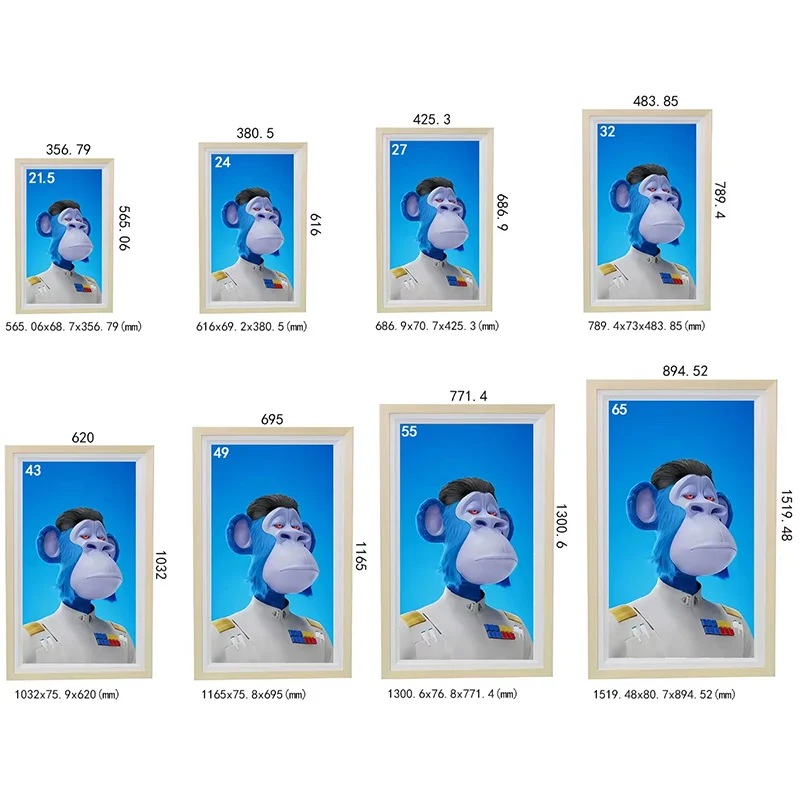
The published frame material contains differing size descriptions and treats higher resolution as a configuration option. For this reason, this page does not assign a universal size range or a fixed native resolution to every smart cloud frame. Treat screen dimensions and resolution as quoted configuration details to confirm. Ask for the panel specification and finished frame drawing for the exact unit being offered.
Keep the active image area separate from the outside frame dimensions. An architect may need the overall width for a wall composition, while the curator needs the active pixel canvas to prepare artwork. Confirm both. If a supplier offers more than one resolution, review the same source image on the proposed configurations at the intended viewing distance. Do not confuse support for playing a high-resolution file with the native resolution of the display panel itself.
Understand what remote publishing includes
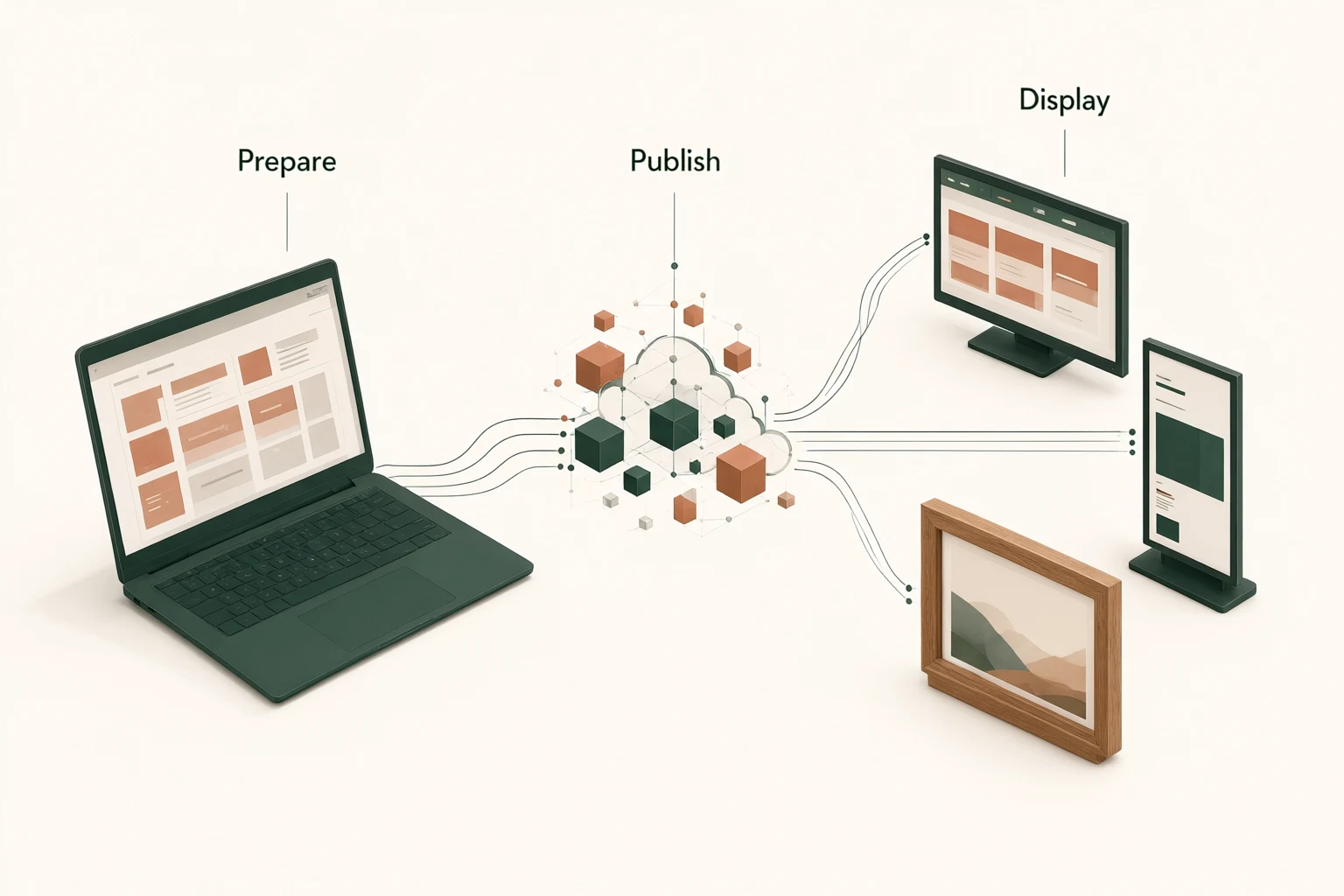
The digital photo frame category lists built-in CMS software with remote control and content updates through a PC and app. Request a demonstration of the actual software supplied with your quoted configuration. Ask how a frame is registered, how content is assigned and how a publisher confirms that the correct work is visible. The product description does not identify an app name, a permanent cloud service commitment or every available administrative feature.
Explain whether your staff will update one location or manage a collection across several sites. Ask which functions are included, which require a subscription or other agreement, and what happens if the service arrangement changes. If you already use a content platform, raise integration requirements before purchase. A remote update claim is a starting point for a workflow review, not proof that any third-party collection system can connect without development.
Decide who is allowed to publish
Content governance is especially relevant when several people contribute to a collection. Your project might need a curator to approve files, a local operator to select a playlist and an administrator to manage accounts. Those are proposed responsibilities to discuss with the software provider; this page does not assert that the supplied CMS has a particular permission model. Request a demonstration of the controls your team actually needs.
Agree on how staff access will be removed when roles change, where login information will be held and who can reset a device. If an outside agency prepares content, define how it transfers approved files without taking unnecessary control of the entire system. Keep a record of which frame belongs to which location. These ordinary administrative decisions can prevent a polished installation from becoming difficult to manage once the initial project team has moved on.
Prepare artwork for the delivered canvas
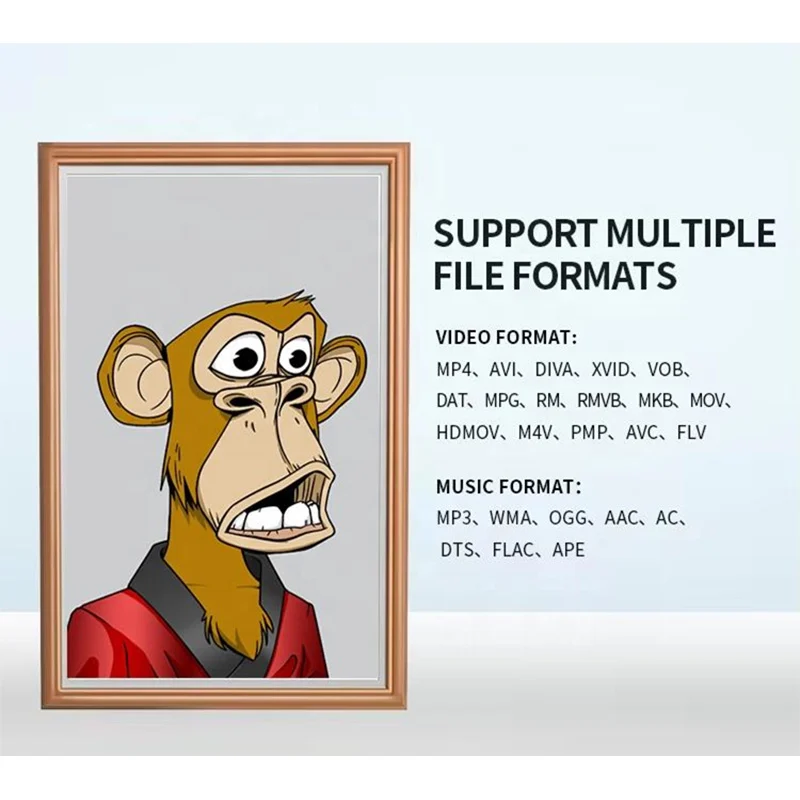
Ask for supported file formats, recommended file dimensions and any playback limitations on the quoted unit. Then prepare a small representative collection: an image with fine detail, one with dark areas, a portrait composition, a landscape composition and any motion work you intend to use. The exact selection should reflect your collection rather than a supplier's most flattering demonstration material.
Discuss cropping, borders and image rotation explicitly. A work should not lose an important edge because a player fills the screen automatically. If text, credits or captions are part of the presentation, include them in the sample review. For motion pieces, inspect the beginning, end and transition into the next item. Ask how playback behaves when a file is unsupported. These checks are buyer recommendations; they are not guarantees of a particular media codec, color standard or transition feature.
Keep rights and attribution with the content
A display purchase does not grant permission to exhibit an artwork. Your organization should confirm its rights to reproduce and publicly show every image or video used in the project. Keep the relevant permissions, attribution requirements and any time limits with the content records. If a work comes from an artist, stock provider or collection partner, ask whether the planned location and presentation are covered by the agreement.
Some product descriptions use language associated with digital collectibles. That wording should not be interpreted as a promise of wallet integration, blockchain verification or ownership authentication. If those functions matter to your project, describe them as separate requirements and ask for evidence of support. For an ordinary exhibition, a clear content license and an accurate credit line are more useful procurement inputs than assuming that a connected frame establishes provenance by itself.
Plan network access and interruption behavior
The product listing refers to Wi-Fi and smart cloud use. Confirm the connectivity arrangement and network requirements for the selected configuration with your IT team. Ask what information the software provider needs about the site network, whether device registration requires internet access and which controls the organization expects. Do not assume support for a particular wireless standard, enterprise authentication method or network management tool without confirmation.
Request a demonstration of what the frame shows if the connection is interrupted. Does previously assigned material remain visible? How is a failed update reported? What action is needed after the network returns? These are open questions for the quoted system, not implied offline capabilities. They matter because the visual result is public while the cause of a publishing problem may sit elsewhere in the network or content service.
Coordinate the frame with the room
The official product material describes a wooden frame and a simple, traditional visual style. Confirm the material, finish and construction of the quoted version through a sample or detailed images. Natural-looking finishes need to be considered alongside nearby joinery, wall color and lighting. Request a finished enclosure drawing, weight, mounting details and cable exit position before the interior contractor completes the wall preparation.
Higher resolution and anti-glare treatment are presented as options in the source material, so neither should be assumed to be standard across the range. Ask for the selected surface and display configuration to be written into the quotation. Check the frame from the actual viewing positions and under the room's planned lighting. For a grouped installation, review alignment, spacing and cable concealment with the installer; a product photograph cannot establish how those details will work on your wall.
Pilot the complete publishing journey
A useful pilot begins with an approved artwork file and ends with the intended work visible in the intended location. Have the staff member who will manage the frame perform the upload or assignment, rather than leaving the whole demonstration to a technician. Record the steps, any confusing messages and the time-consuming tasks that may need a simple internal guide. The purpose is to find operational questions before the collection expands.
Include a content change, a restart and an agreed network interruption check. Inspect image presentation, scheduling requirements and any credit information with the curator. Record the hardware configuration, software version and service terms used for the trial. If another frame is added later, those records make it easier to ask for an equivalent setup. You can compare the frame collection while retaining the same content and workflow test.
Request a proposal for hardware and publishing
Send the number of frames, destination, intended room, preferred dimensions and content examples with your inquiry. Describe who publishes, how often material changes and whether the project spans several locations. Include any finish request, mounting constraint, accessibility consideration or need for integration with existing software. Ask for the hardware, optional treatments, accessories and software or service costs to be identified separately.
A complete proposal should make the outstanding decisions visible. Request confirmation of native resolution, finished dimensions, connectivity, supported media and the scope of remote publishing. Ask for sample terms, production timing and applicable warranty and support conditions for your order. Use the commercial art frame inquiry form to share your collection brief. The goal is a frame configuration and publishing arrangement your own team can review, operate and maintain.
Frequently asked questions
Is every smart cloud frame supplied with a 4K panel?
No. The source material presents higher resolution as an option, and the published frame descriptions contain configuration differences. Request the native panel resolution for the exact quoted frame. Playback of a high-resolution file should not be treated as proof of native panel resolution.
Can our team update artwork remotely?
Remote content updates through PC and app are listed for the digital frame range. Confirm the software supplied with your configuration, supported workflow, account controls and service terms. Request a demonstration using your own approved artwork before relying on a particular publishing arrangement.
Does the frame include licensed artwork?
No artwork license is promised here. Your team should supply content it has permission to display or arrange suitable rights separately. Ask about any demonstration images included with a sample before using them in a public installation or promotional photograph.
Will artwork continue if the internet fails?
That behavior needs confirmation for the quoted system. Include a network interruption in the sample review and observe what remains on screen, how updates recover and whether staff action is required. This page does not promise a particular offline playback mode.